New Facebook Impersonation Scam Targeting Business Owners | How to Protect Your Business Account
New Wave of Facebook Impersonation Scams Targeting Business Owners: What You Need to Know
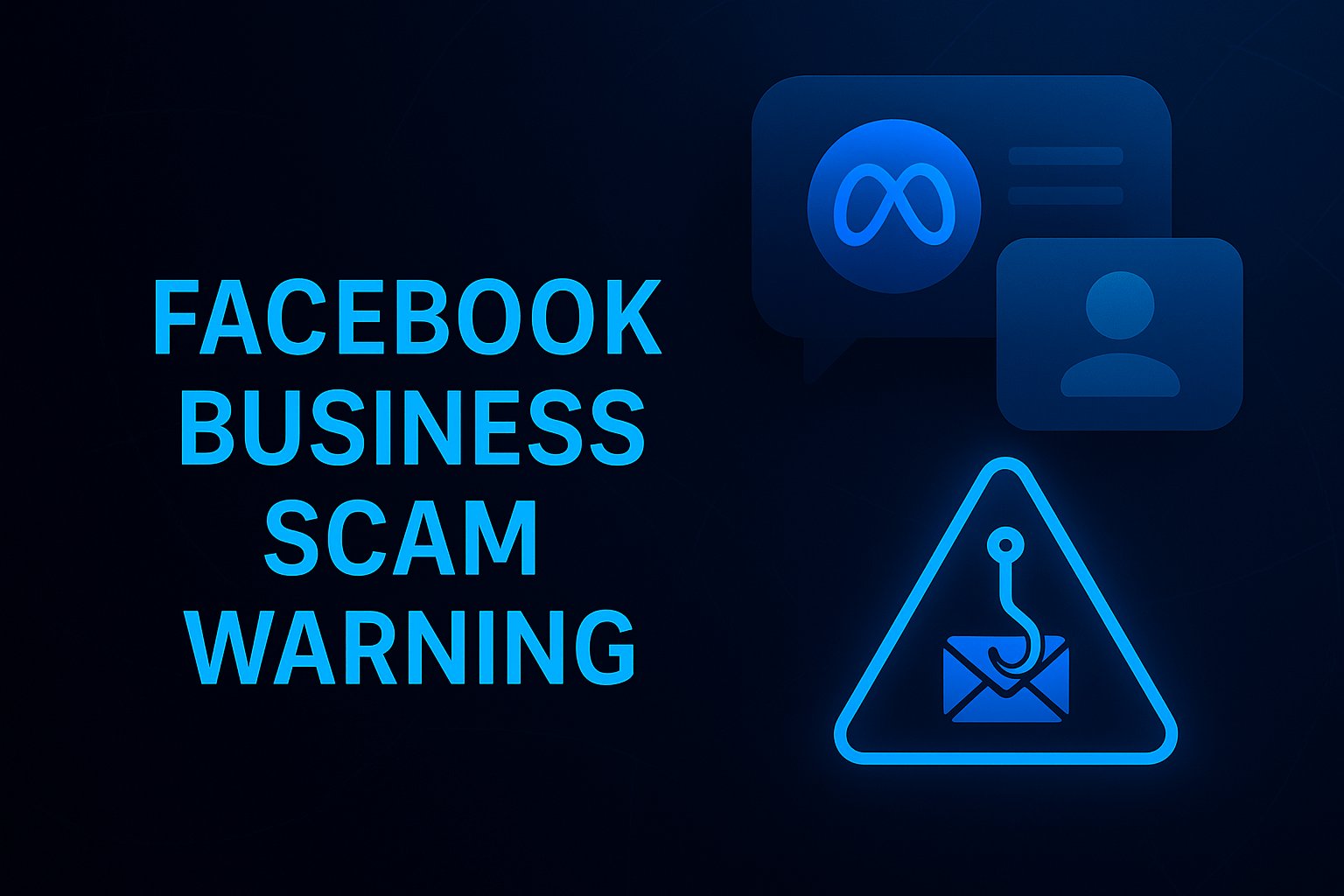
A new and increasingly sophisticated scam is circulating on Facebook and Instagram, specifically targeting business pages, creators, and advertisers. These scams impersonate Meta, use fabricated warnings, and even awards and text to check your advertising, and attempt to drive users to fraudulent external websites. Once on those sites, victims are pushed through fake verification steps designed to harvest login credentials and compromise business accounts.
This article breaks down how the scam works, what signs to look for, and how businesses can protect their accounts.
How the Scam Begins: Fake Meta Messages Sent to Business Pages
Businesses are receiving direct messages from accounts that appear to be official Meta or Facebook representatives. These accounts often:
- Use names like “Chat AI” or “Meta Support”
- Display Meta logos or branding
- Present themselves as system alerts or compliance notices
The impersonator messages typically claim:
- Advertising performance issues
- Policy violations
- Eligibility or compliance reviews
- Verification badge opportunities or rewards
They instruct the business owner to click an external link that appears urgent or time-sensitive.
The Red Flag Links: Suspicious Domains and Fake Meta Pages
The scam messages include links that look legitimate but are actually phishing portals. Examples include:
- business-page-aitveai7340.xyz
- actisve-blue-badge9925.short.gy
- verificationpendingaproval.my.id
These domains are not owned by Meta. Once clicked, users land on a page imitating Meta branding with fake reCAPTCHA verification steps meant to build trust before redirecting victims to additional phishing forms.
Why This Scam Works
This wave of scams is effective because:
- They target business owners who rely on ads. Any disruption feels urgent.
- They impersonate automated systems. Names like “Meta Business Support” seem credible.
- They use fear and scarcity. Warnings or supposed rewards encourage immediate action.
- They mimic Meta branding. Logos, layouts and the use of reCAPTCHA make the pages appear legitimate.
What Happens If You Enter Your Information
If a business owner completes the steps on the phishing site, scammers can:
- Capture Facebook or Instagram login details
- Access Business Manager
- Run unauthorized ad campaigns
- Charge ads to stored payment methods
- Remove the rightful owner from admin access
The damage can be significant, ranging from financial loss to long-term account control issues.
How to Identify These Scams Immediately
- Meta does not send compliance or verification warnings via direct messages.
- Official Meta URLs always start with facebook.com, instagram.com or meta.com.
- Scam messages often contain grammar errors or unusual formatting.
- Impersonator accounts are never verified by Meta.
What To Do If You Receive One of These Messages
- Do not click any links.
- Do not respond to the sender.
- Block and report the account.
- Enable two-factor authentication on all accounts.
- Review Business Manager admin roles for unauthorized access.
- Check your login history for suspicious activity.
If you think your credentials have been compromised:
- Change your password immediately.
- Log out of all active sessions.
- Remove suspicious admins.
- Contact Meta Support via official Help Center channels.
Protecting Your Business From Future Threats
- Always respond to notifications inside your Facebook Account Quality or Business Manager.
- Train your team to recognize scam patterns.
- Use limited admin roles and grant access only to trusted individuals.
- Enable login alerts and security notifications.
Conclusion
This new wave of Facebook and Instagram impersonation scams is engineered to exploit businesses that depend on Meta platforms for marketing and communication. Understanding the warning signs and safeguarding access credentials can significantly reduce your risk of account compromise and financial loss.
If your business needs help identifying scams, securing your Meta accounts, or improving digital safety practices, you can reach out to me directly for assistance.
Recommended Hashtags
#FacebookSecurity #BusinessSecurity #MetaScamWarning #SocialMediaSafety #FacebookBusiness #PhishingAlert #CyberSecurityForBusiness #DigitalSafety